An Eagle alternative for Mac and iPhone, with no subscription
Kosmica is a visual library for Mac and iPhone that you buy once for $14.99, sync through your own iCloud and search with AI that runs on your device. Pick Eagle if you use Windows or keep fonts, video and 3D files in your library, and pick Kosmica if you want your references on your iPhone too.
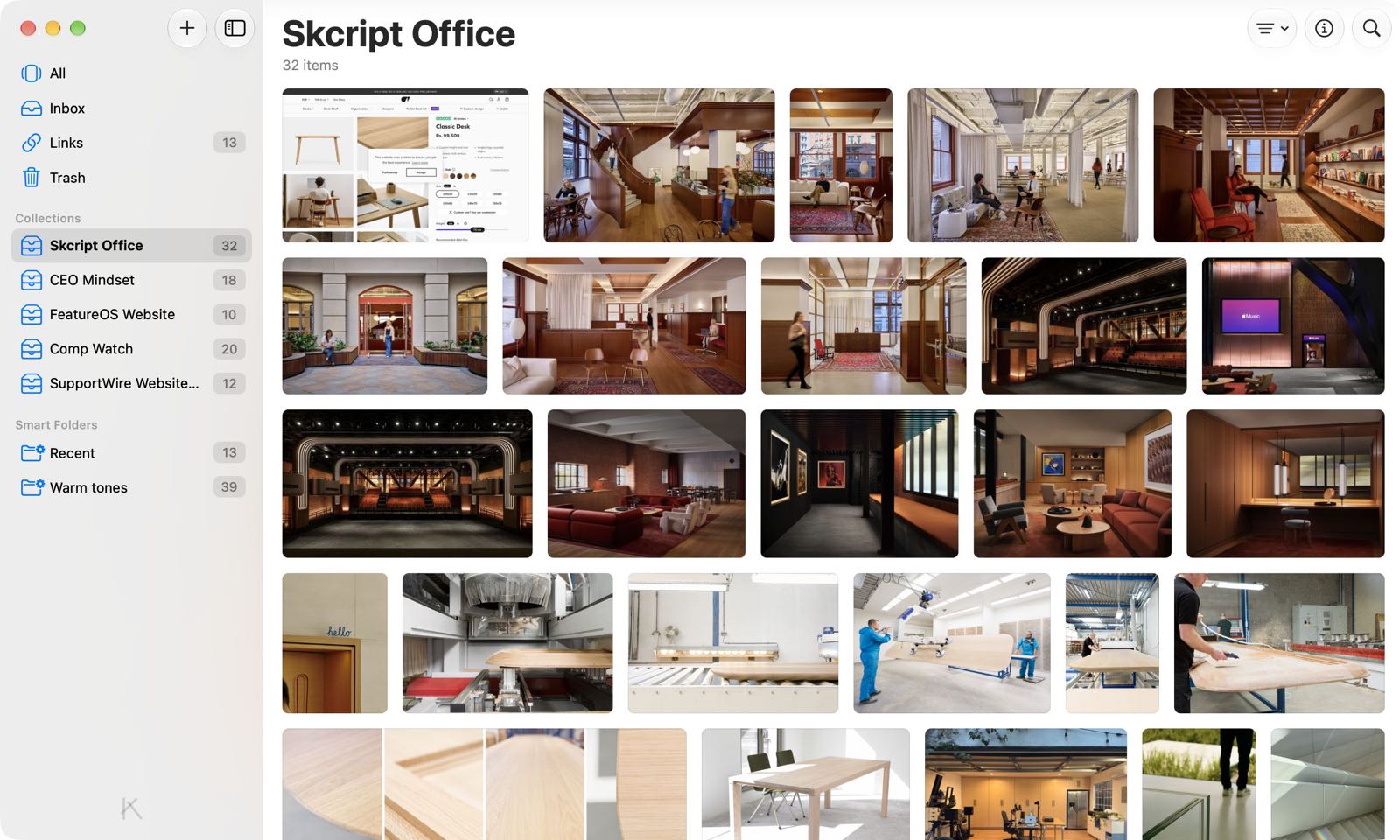

Kosmica at a glance
- Price
- $14.99 one-time. One price covers Mac and iPhone, iPad coming soon. No subscription, no in-app purchases.
- Platforms
- macOS 26 and iOS 26. Safari extension on Mac and iPhone. iPad coming soon.
- Account
- None. Kosmica uses the iCloud account already on your devices.
- Storage
- On your devices and in your own iCloud. Skcript cannot read it.
- AI
- On device, with Apple's Vision and Foundation Models. No API key. Nothing sent to Skcript.
- What it saves
- Images, screenshots and links. PDFs and videos are coming.
Kosmica vs Eagle
Both are one-time purchases for saving visual references. They differ on platforms, file types and how the library moves between devices.
| Kosmica | Eagle | |
|---|---|---|
| Best for | Images, screenshots and links you want to see again, on Mac and iPhone | A large library of many file types on Mac and Windows |
| Price | $14.99 one-time. One price covers Mac and iPhone, iPad coming soon | US$34.95 one-time for one license that activates two devices. 30-day free trial. Lifetime updates |
| Platforms | Mac and iPhone. iPad coming soon | macOS and Windows. We found no iPhone app on Eagle's site |
| Between devices | Syncs through your own iCloud, with nothing to set up | Keep the library in a folder that a cloud sync tool syncs |
| Browser extension | Safari on Mac and iPhone. Chrome is coming later | Chrome, Edge, Safari and Firefox, free. It needs the Eagle app on your computer |
| Search | On device: words, colour, similar images, text in images, tags | Keyword, colour, format and filters, plus AI Search with visual and semantic modes |
| File types | Images, screenshots and links. PDFs and videos are coming | Previews more than 100 formats, including fonts, audio, video and 3D files, according to Eagle |
| Account | None. Kosmica uses the iCloud account already on your devices | A license key bound to your email |
| Where it is sold | App Store | Eagle's own site. Eagle says it does not consider launching in the App Store |
Eagle facts from eagle.cool/store and en.eagle.cool, as of 24 Nov 2026. Kosmica facts from its App Store listing and this site. Prices change, so check each site before you buy.
Which one should you choose?
Choose Eagle if
- You use Windows as well as a Mac.
- Your library holds fonts, audio, video or 3D files, not just images.
- You want a browser extension for Chrome, Edge or Firefox today.
- You are happy to run your own sync folder.
Choose Kosmica if
- You want your references on your iPhone, in the same library as your Mac.
- You want sync through your own iCloud with no folder to manage.
- You want to find pictures by words, colour or likeness, with AI on your device.
- You do not want another account.
- You live on a Mac and an iPhone.
How switching from Eagle works
- Buy Kosmica once on the App Store and install it on your Mac and iPhone.
- Copy the images you want out of your Eagle library and drag them into Kosmica from Finder. Kosmica reads the text, tags and colours on your device.
- Save links again with the Safari extension or the Share menu. Kosmica keeps a snapshot of each page.
- Keep Eagle for the rest if you still need fonts, video or 3D files.
Kosmica has no importer for Eagle. You move images by drag and drop, and links one at a time.
Questions
Is Kosmica a good Eagle alternative?
Yes, if you want an Eagle-style visual library that also lives on your iPhone and syncs without a folder you manage yourself. Kosmica keeps your library in your own iCloud and runs its AI on your device. If you work on Windows, or you need fonts, video, audio and 3D files in one library, Eagle supports more file types today.
How much does Kosmica cost compared with Eagle?
Kosmica is $14.99 once, and one price covers Mac and iPhone, iPad coming soon, with no subscription and no in-app purchases. On 24 Nov 2026, Eagle's store listed one license at US$34.95, paid once, for two devices on macOS and Windows, with a 30-day free trial.
Does Eagle have an iPhone app?
Eagle's website and store list macOS and Windows only, and we found no iPhone app there on 24 Nov 2026. Eagle's own FAQ says it does not plan to launch in the App Store. Kosmica has a native iPhone app that shares one library with your Mac.
How does Eagle sync, and how does Kosmica?
Eagle says to keep your library in a folder synced by a cloud sync tool to use it on more than one computer. Kosmica syncs through your own iCloud with no folder to set up and no account.
Can I import my Eagle library into Kosmica?
Not with an importer, because Kosmica has no Eagle import. Copy the images you want out of your Eagle library, drag them into Kosmica from Finder, and save your links again with the Safari extension or the Share menu. Kosmica then analyses everything on your device.
Does Kosmica run on Windows, or open fonts, video and 3D files?
No. Kosmica is a native app for Mac and iPhone, and iPad is coming soon. It saves images, screenshots and links, and PDFs and videos are coming. If you need Windows, or a library of fonts, audio, video or 3D models, Eagle is the better fit.
Keep reading
Your visual library, kept private.
Kosmica for Mac and iPhone. $14.99 once. No account, no subscription.