A moodboard app for Mac and iPhone that keeps your boards private
Kosmica turns the images, screenshots and links you save into collections, smart folders and colour palettes, with similar-image search on your device. Share a collection through iCloud, or lay a selection out on a canvas and export it as PNG or PDF with Moodboards (Beta).
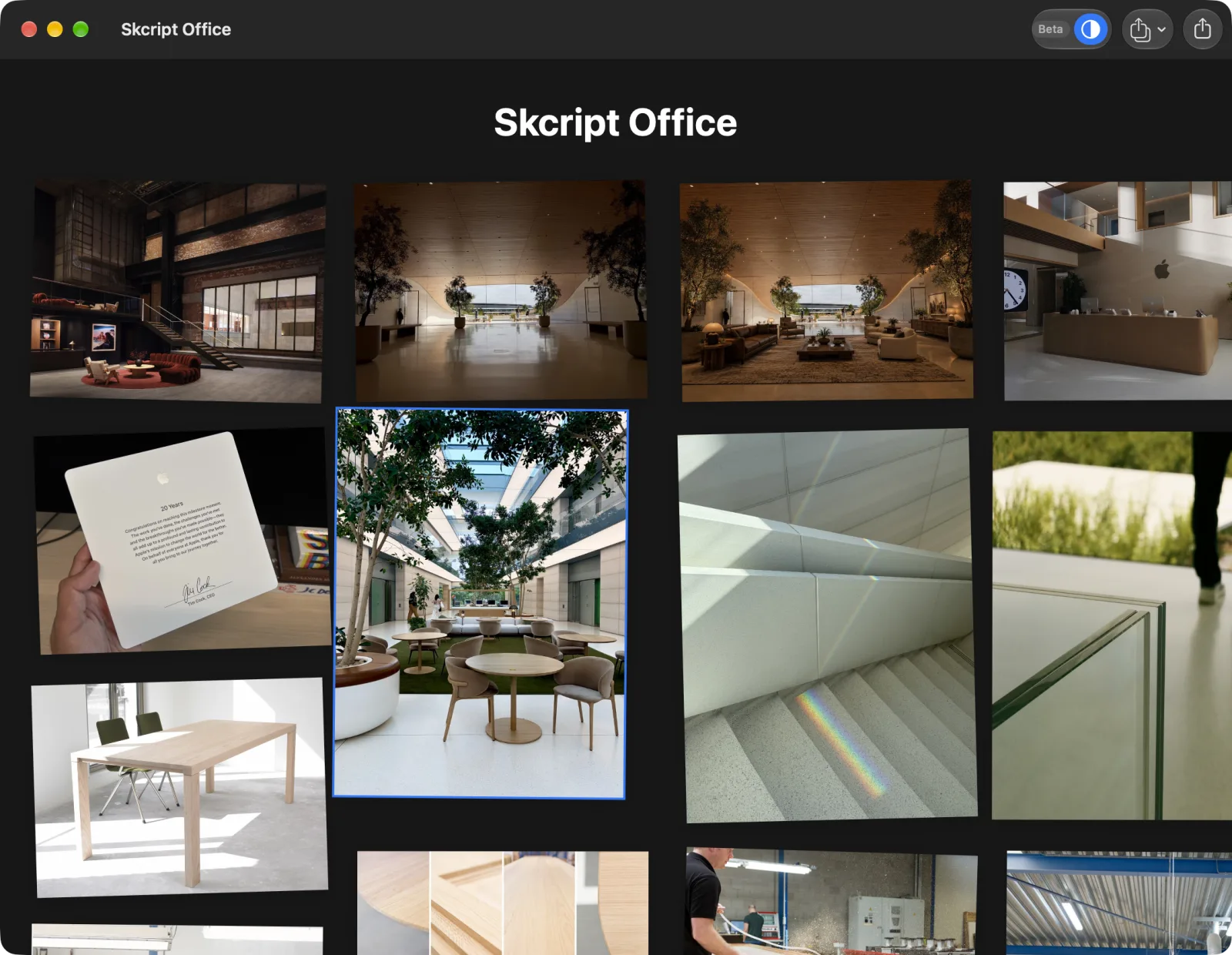
Kosmica at a glance
- Price
- $14.99 one-time. One price covers Mac and iPhone, iPad coming soon. No subscription, no in-app purchases.
- Platforms
- macOS 26 and iOS 26. Safari extension on Mac and iPhone. iPad coming soon.
- Account
- None. Kosmica uses the iCloud account already on your devices.
- Storage
- On your devices and in your own iCloud. Skcript cannot read it.
- AI
- On device, with Apple's Vision and Foundation Models. No API key. Nothing sent to Skcript.
- What it saves
- Images, screenshots and links. PDFs and videos are coming.
Collect, then let it sort itself
Collections
One per project, mood or client. Nest them, pin them, and pick any image as the cover.
Smart folders
Folders that fill themselves from rules. Or describe one in plain words, like "Warm tones".
Colour palettes
Every image gets its palette. Search by a colour name or a hex code to pull a board together.
Find Similar
Pick an image and see everything in your library that looks like it.
Shared collections
Invite people to a collection through iCloud. People you give access can add and remove items.
Moodboards Beta
Arrange a selection freely on a canvas and export it as PNG or PDF. Turn it on in Settings, Experimental.
A private Pinterest alternative
Pinterest is built for discovery: a public feed, recommendations and ads. Kosmica is built for keeping. There is no feed, no ads and no account, and your boards live in your own iCloud. If you want to find new ideas from strangers, Pinterest does that better. If you want a quiet place for your own references, that is Kosmica.
Kosmica, Milanote and Pinterest
Three good tools with different jobs. Here is where each one fits.
| Kosmica | Milanote | ||
|---|---|---|---|
| Best for | A private library of references | Project boards for teams | Discovery and public boards |
| Price | $14.99 one-time. One price covers Mac and iPhone, iPad coming soon | Free for 100 items and 10 uploads. $9.99 a month per person billed yearly, or $12.50 monthly | Not checked: no pricing page |
| Platforms | Mac and iPhone. iPad coming soon | Web, desktop, iPhone and iPad, plus a web clipper | Web, iOS and Android |
| Canvas | Moodboards (Beta): arrange and export as PNG or PDF | Freeform boards | Boards of pins |
| Sharing | Share a collection through iCloud | Built for collaboration | Public by default |
| Privacy | No account, no ads. Your own iCloud | Cloud, with an account | Cloud, with ads |
Milanote facts from milanote.com/plans, as of 23 Nov 2026. Pinterest has no pricing page, so its price is not listed here. Prices change, so check each site before you buy.
Choose Milanote if
- You plan projects with a team on shared boards.
- You need the web, Windows or iPad.
- You want notes, tasks and images on one canvas.
Choose Pinterest if
- You want to discover new ideas from other people.
- Public boards suit you.
- You want it free.
Choose Kosmica if
- You want a private library for your own references.
- You sort by colour, by look and with smart folders.
- You want one purchase for Mac and iPhone.
Questions
What is the best moodboard app for Mac?
It depends on how you work. For a private library of references on Mac and iPhone, with colour palettes, similar-image search and smart folders, Kosmica fits. For team project boards on the web, Milanote fits better. For discovering new ideas from other people, Pinterest does that best.
Is Kosmica a Pinterest alternative?
Yes, if you want a private place to keep your own references. Kosmica has no public feed, no ads and no account, and your boards live in your own iCloud. It does not help you discover new pins from other people, which is what Pinterest is built for.
Can I share a moodboard with someone?
Yes. Share a collection with other people through iCloud from the Mac sidebar or by long-pressing it on iPhone. People you give read and write access can add and remove items. With Moodboards (Beta) you can also export a canvas as PNG or PDF and send the file.
Can I make a freeform moodboard in Kosmica?
Yes, with Moodboards, which is in Beta. Select a few items or right-click a collection, choose Make Moodboard, and arrange them freely on a canvas. Then export it as PNG or PDF. Beta features are off by default. Turn them on in Settings, Experimental.
Is Kosmica free?
No. Kosmica is $14.99 once on the App Store, and one price covers Mac and iPhone, iPad coming soon. There is no subscription and no in-app purchase, but there is also no free tier or trial. Milanote and Pinterest both have free options.
Does Kosmica work on iPad or Windows?
Not on Windows, and iPad is coming soon. Kosmica is a native app for Mac and iPhone today, synced through your own iCloud. If you need a moodboard tool on Windows or the web, Milanote runs there, and Pinterest runs on the web and Android.
Keep reading
Your visual library, kept private.
Kosmica for Mac and iPhone. $14.99 once. No account, no subscription.