Feature
Collections you can share.
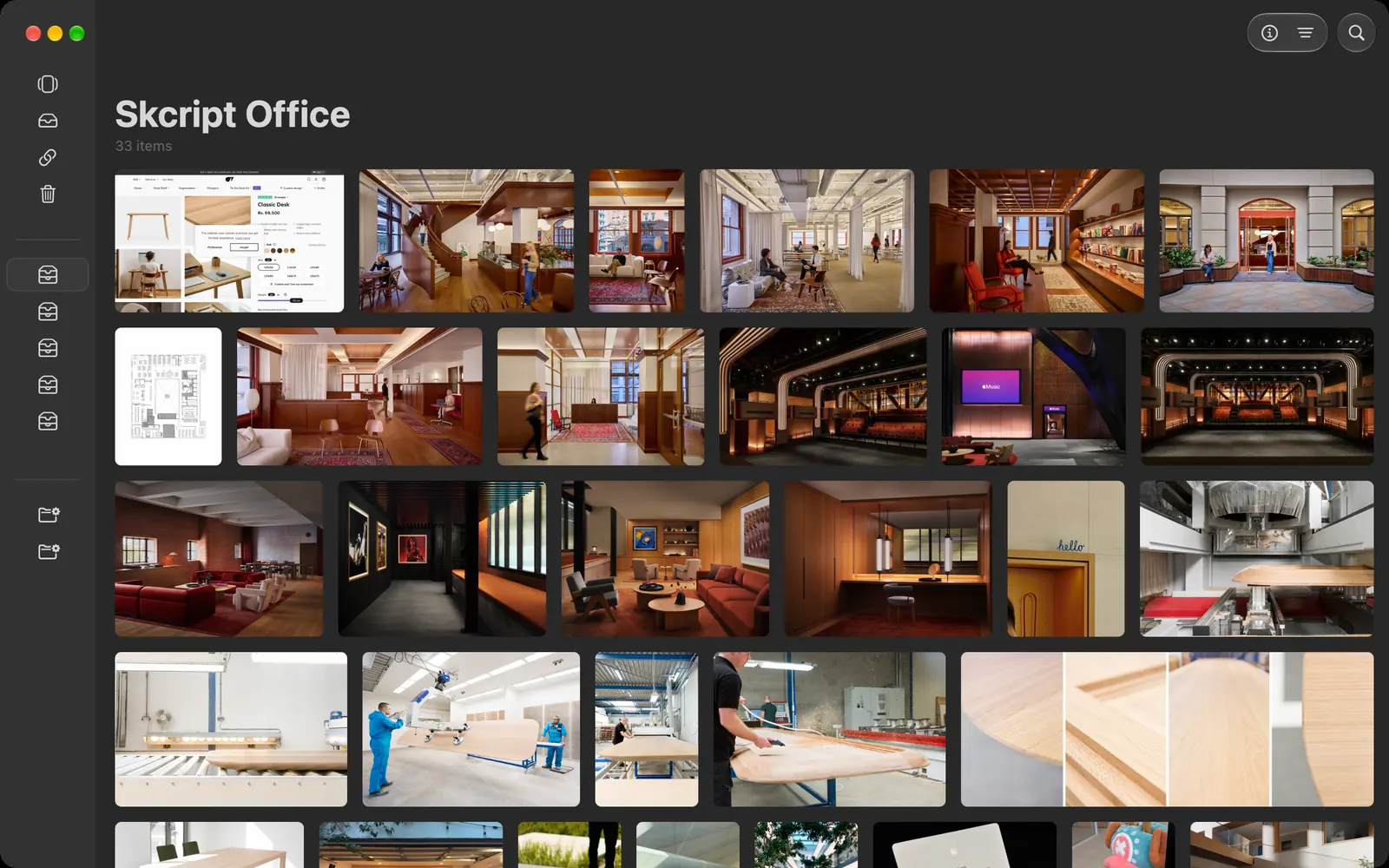
Kosmica collections hold the images and links for a project, a mood or a client, and they can nest inside each other. Share a collection through iCloud and the people you invite can add to it too, with no Kosmica account.
$14.99 once for Mac and iPhone · No subscription · macOS 26 and iOS 26
At a glance
- Organise
- Collections, nested collections, pinned collections, archive
- File items
- Drag a tile onto a collection in the sidebar, or use Move to
- Share
- Invite people with iCloud sharing (CloudKit)
- Who can see it
- Only the people you invite
- Covers
- Use any item as a collection’s cover
How it works
Make a collection
Use the plus in the sidebar. Put collections inside collections, pin the ones you use, archive the finished ones.
Fill it
Drag tiles onto it, use Move to, or save straight into it from the Safari extension.
Share it
Choose Share on the collection and invite people through iCloud. They add, you see it. You rename, they see it.
Good to know
- The people you invite need an Apple Account and Kosmica to open a shared collection. There is no web view.
- Shared collections live in iCloud under your Apple Account. Skcript cannot see them.
- Collection suggestions for new Inbox items are in Labs, off by default under Settings ▸ Experimental.
Questions
How do I share a Kosmica collection?
Open the collection, choose Share and invite people through iCloud. Kosmica uses CloudKit sharing, so the invite goes through Apple, not through a Kosmica account. The people you invite open the collection in Kosmica and can add items. Changes on either side show up for everyone.
Do the people I invite need to pay or sign up?
They need Kosmica on a Mac or iPhone and an Apple Account, which their device already has. There is no Kosmica account and no separate sign-up. Kosmica is a one-time $14.99 purchase on the App Store, with no subscription for sharing.
Can collections go inside other collections?
Yes. Collections can nest, so a client collection can hold one collection per project. You can pin the ones you use most to the top of the sidebar and archive the ones you are done with, which keeps the sidebar short.
Can someone see a collection I did not share?
No. Your library lives in your own iCloud, and only a collection you share is visible to the people you invite. Leave Shared Collection removes a shared one from your side, and stopping sharing removes access for everyone else at once.
Keep exploring
- Feature
Private iCloud sync
Your library in your own iCloud. No account, no Kosmica server in between.
- Feature
Smart folders
Folders that fill themselves. Describe one in plain words.
- Use case
Best Mac app for design inspiration
Save inspiration from anywhere and find it by colour, words or likeness.
- Use case
Best Mac app for reference images
Keep references for drawing and design, and find them by look or colour.